

Beyond choosing which marketplaces an item lists on, you can fine-tune how it lists on each one: its eBay subtitle, its Amazon collectible condition, its AbeBooks shipping template, and so on. All of it lives in one place on the item's edit page.
- Open the item (Inventory > Manage Inventory > Edit).
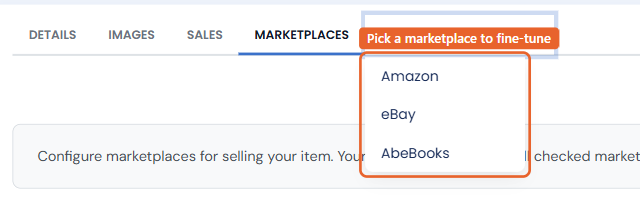
- In the tab strip, open the Marketplace Settings menu and choose the marketplace. Its settings panel opens over the form.
- Make your changes and click SAVE.
Amazon
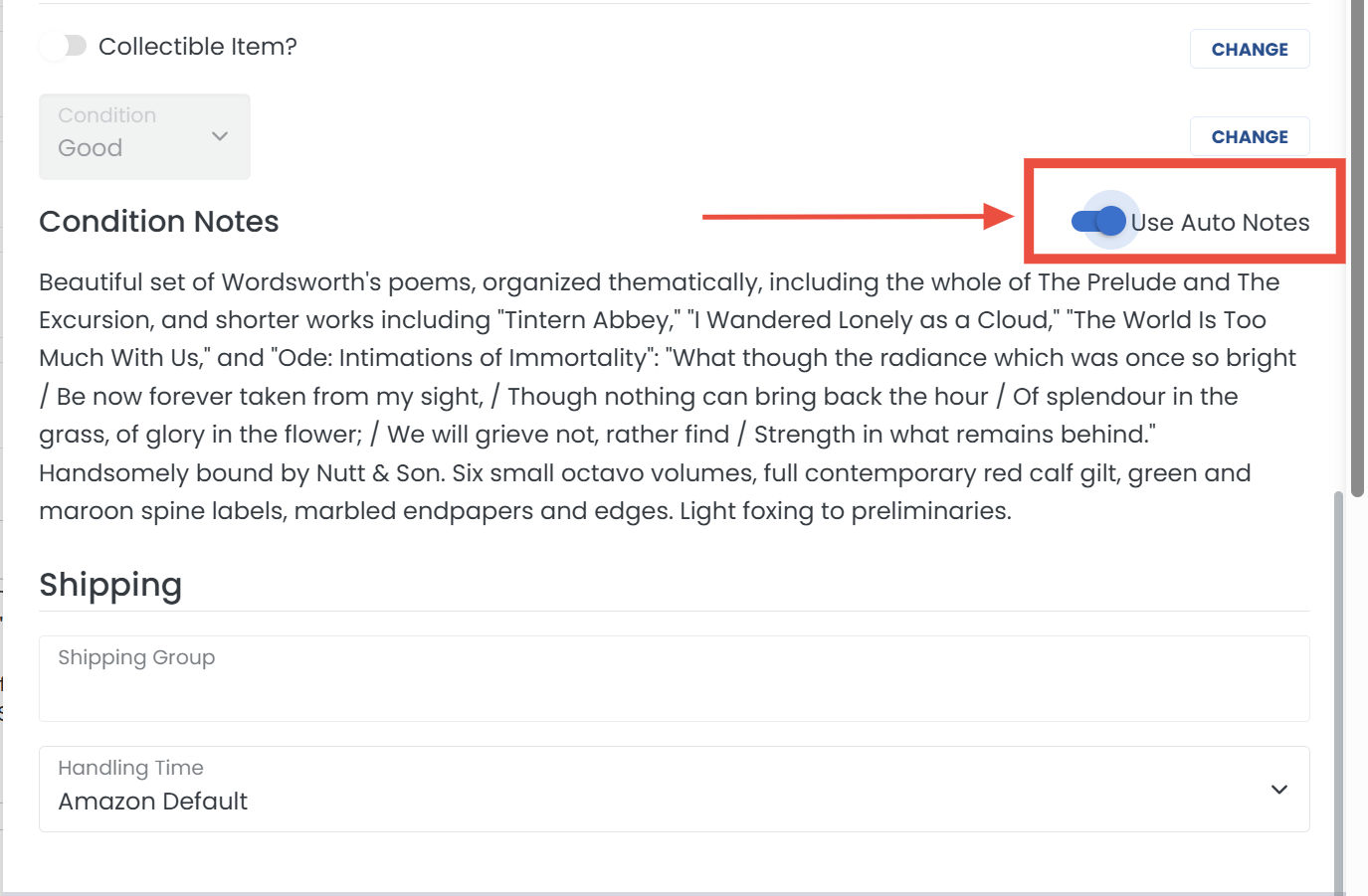
How do I edit an item's condition notes on Amazon?
In the Amazon panel, under Condition Notes, turn off Use Auto Notes. An editable box appears with the notes that will be sent for this listing.
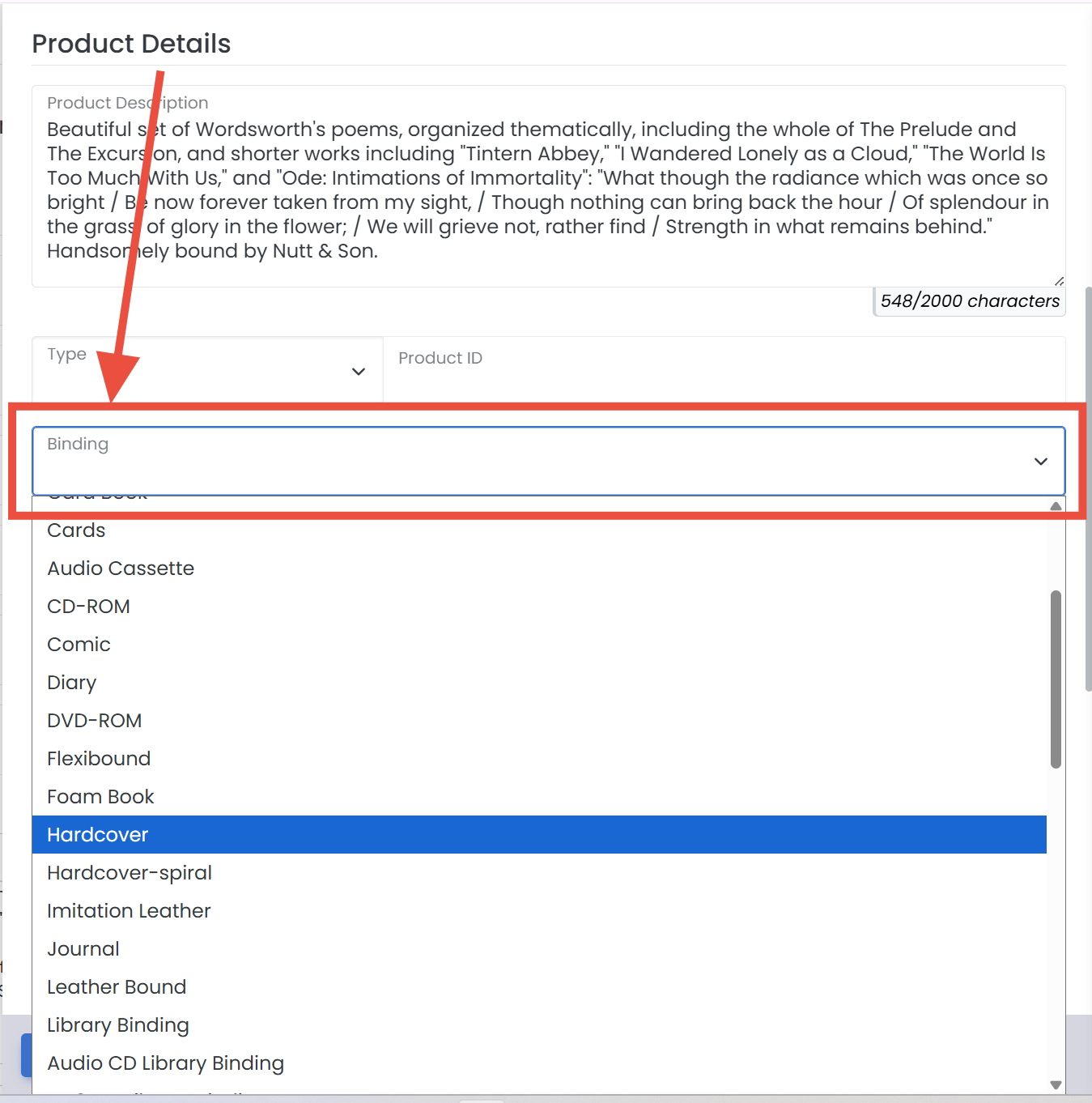
How do I change an item's binding or publisher on Amazon?
In the Amazon panel, under Product Details, pick the Binding that best describes the item and fill in the Publisher.
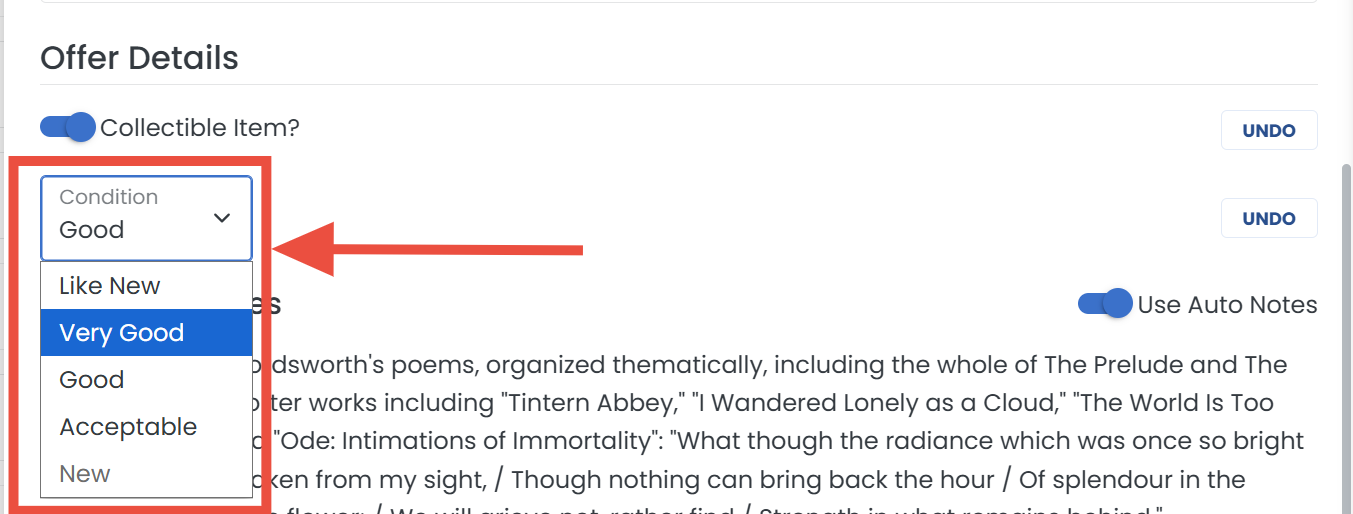
How do I mark an item as collectible on Amazon?
In the Amazon panel, under Offer Details, click Change next to Collectible Item?, turn the toggle on, then set the collectible Condition.
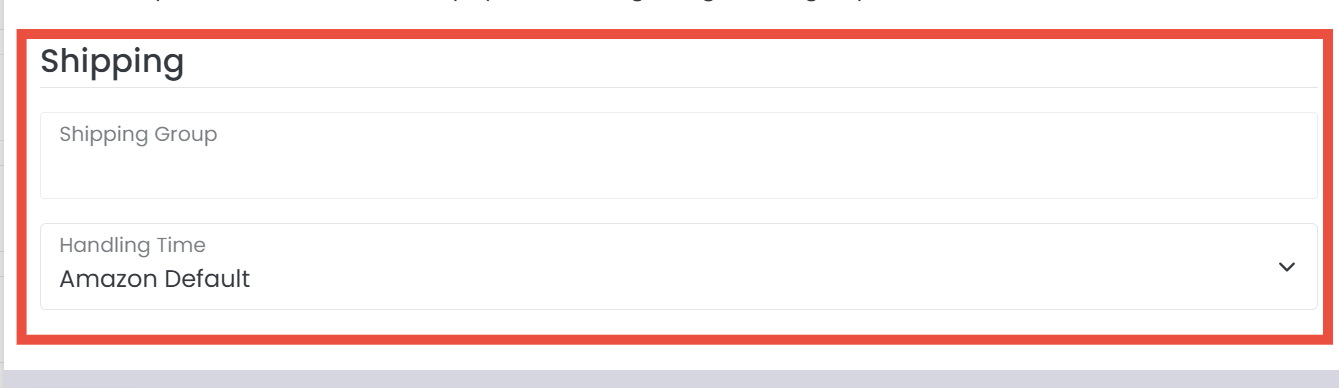
How do I edit an item's shipping on Amazon?
In the Amazon panel, the Shipping section holds this item's shipping settings, including its shipping template.
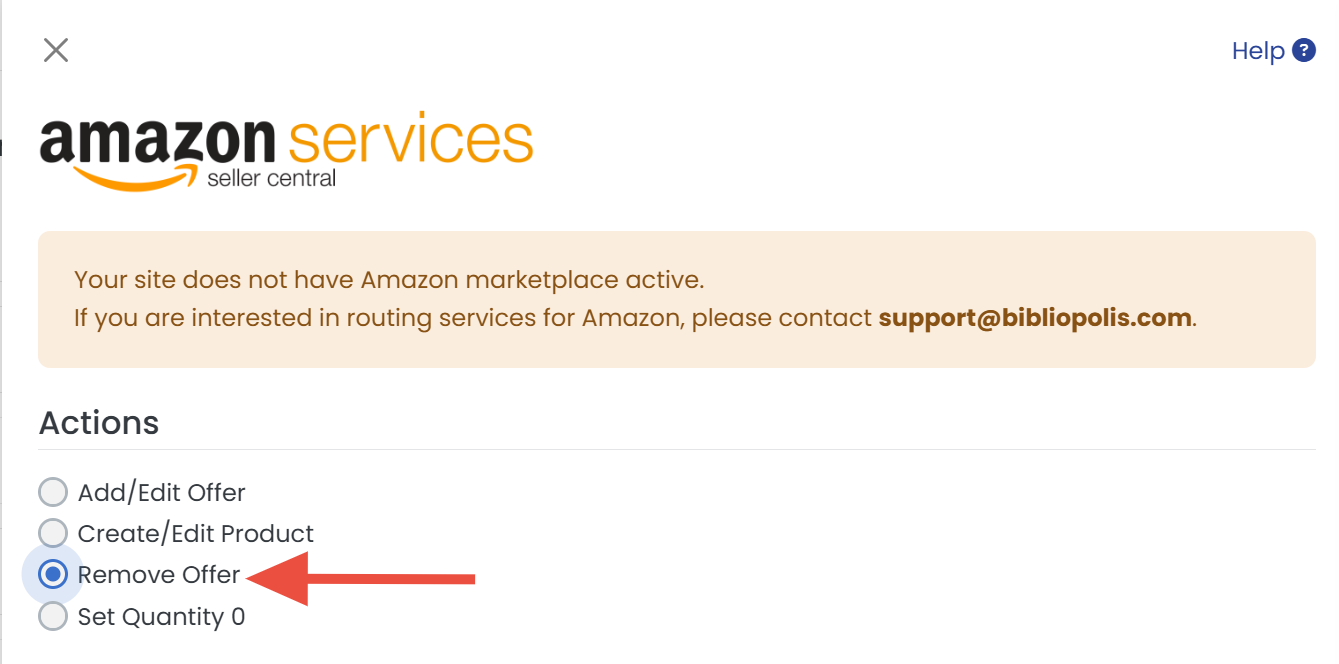
How do I remove an item from Amazon (or set its quantity to zero)?
In the Amazon panel, under Actions, use Remove Offer to take the offer down, or Set Quantity 0 to keep the offer but show it as out of stock. Save, and the change goes out on the next sync.
To remove every item, note that closing your Amazon seller account is the only complete removal; see How do I close my Amazon Seller Account?
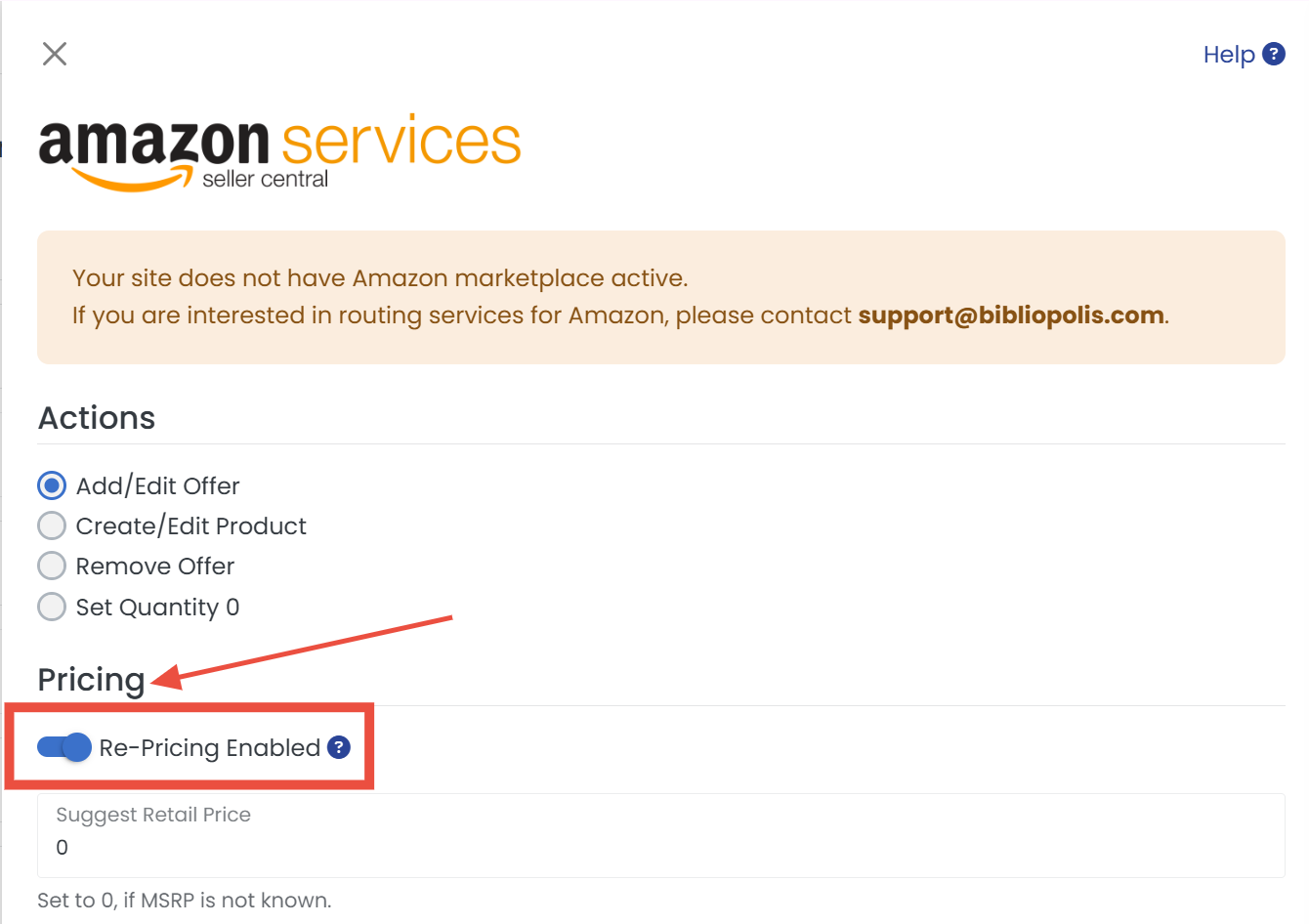
How do I turn repricing off for one Amazon listing?
In the Amazon panel, under Pricing, turn off Re-Pricing Enabled. The item then holds your set price while the rest of your inventory follows your venue pricing rules.
eBay
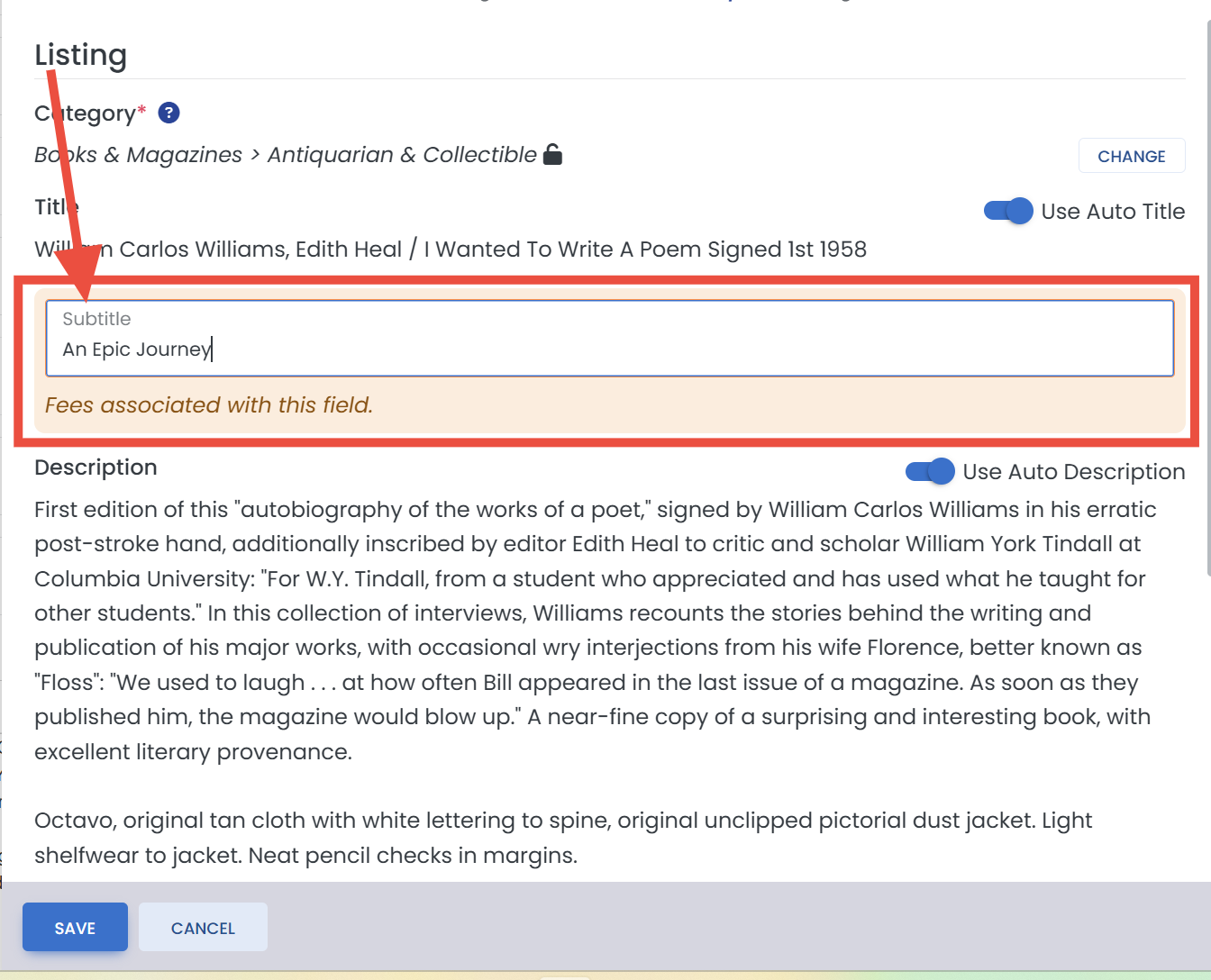
How do I add or change an eBay subtitle?
In the eBay panel, under Listing, edit the Subtitle box below the title. Note that eBay charges a per-listing fee for subtitles (check eBay's current fee schedule).
How do I change an item's condition on eBay?
In the eBay panel, under Listing, turn off Use Auto Condition and edit the Condition Description.
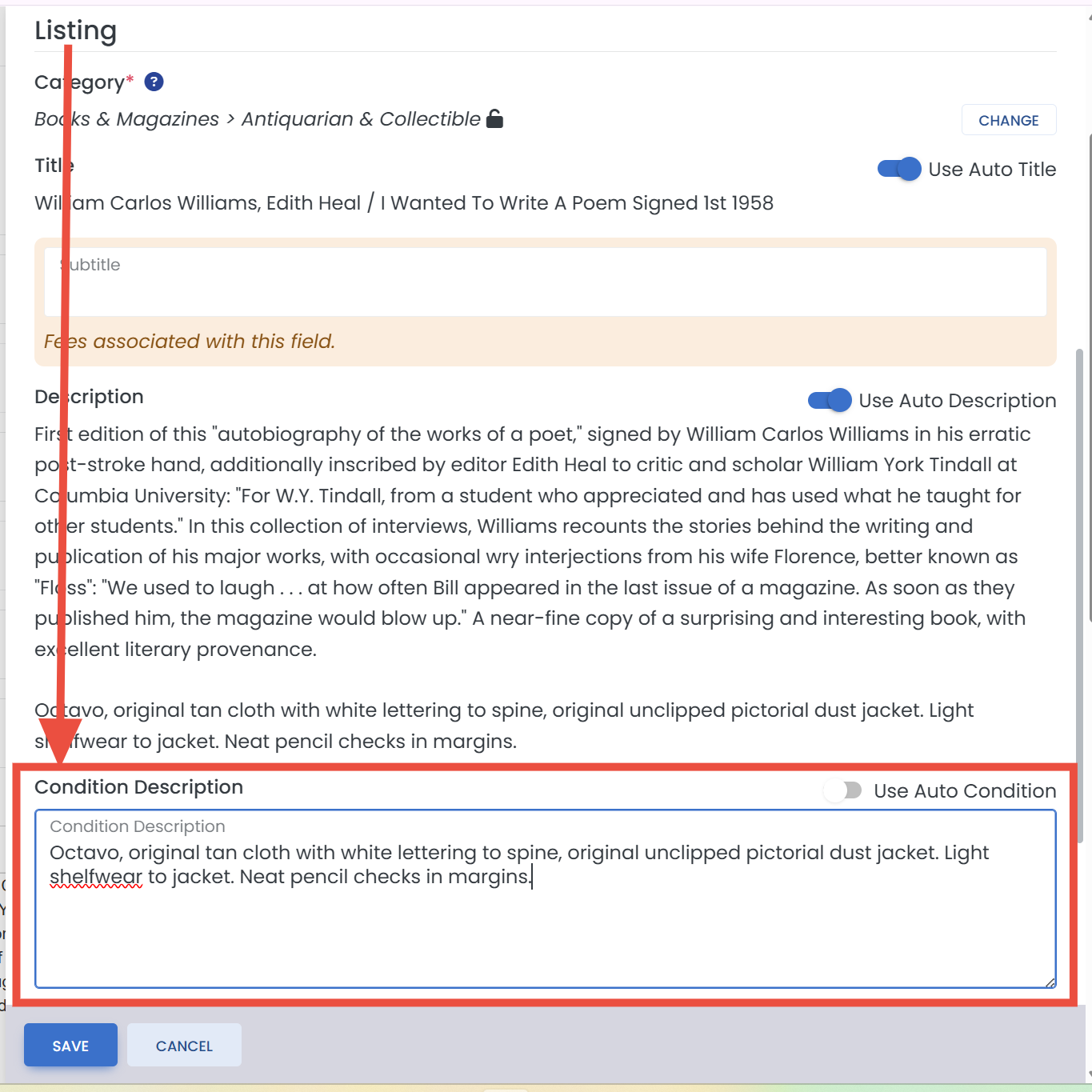
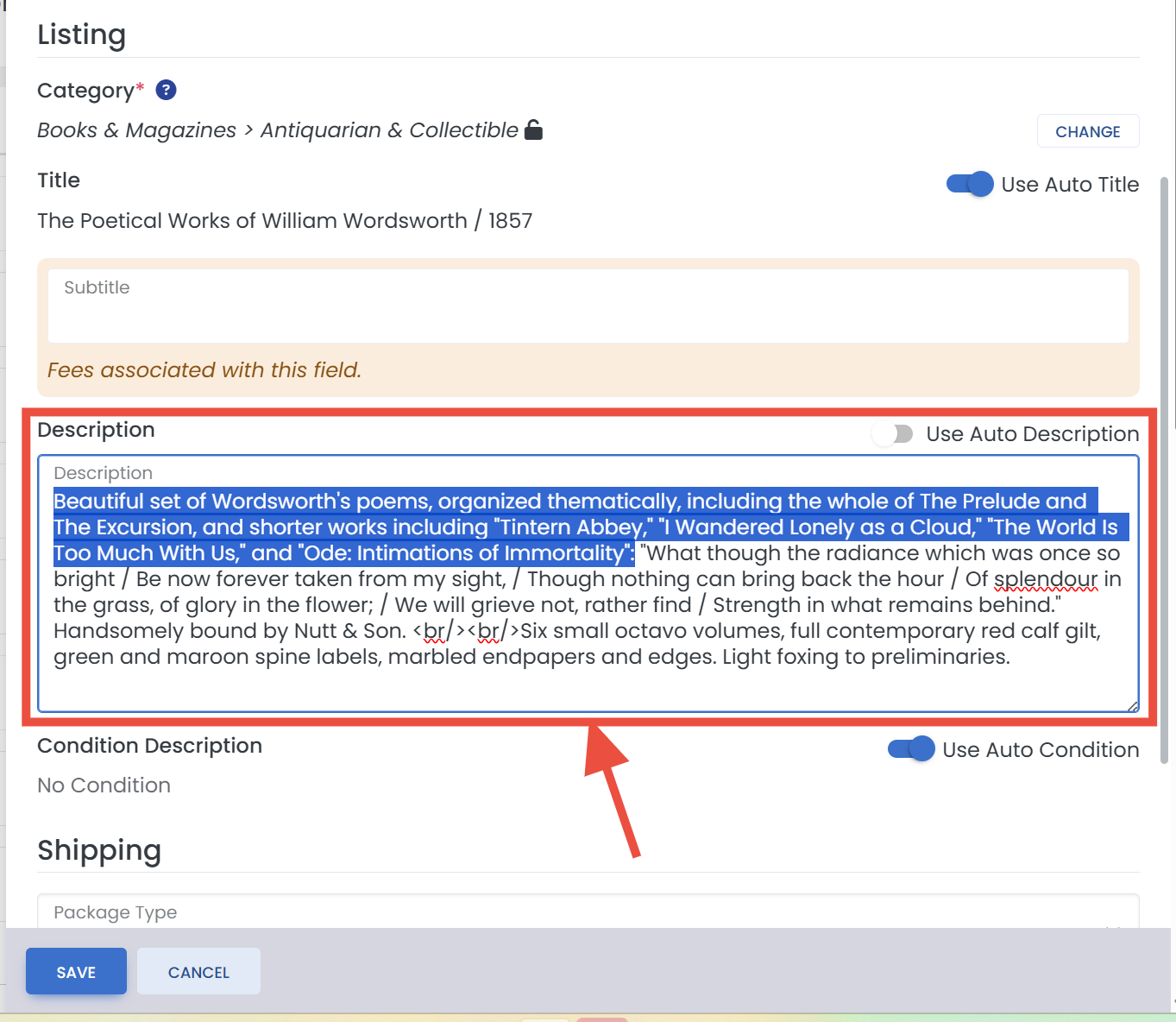
How do I change an item's description on eBay?
In the eBay panel, under Listing, turn off Use Auto Description and edit the description that will be sent to eBay for this item only.
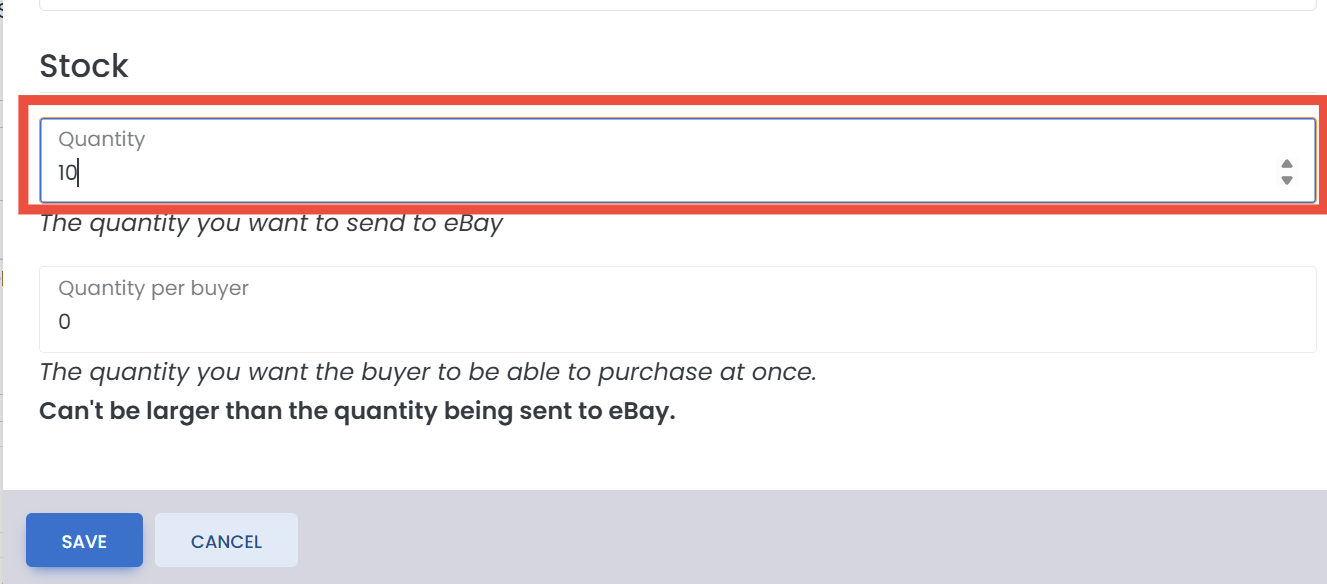
How do I change the quantity sent to eBay, or limit how many one buyer can purchase?
In the eBay panel, the Stock section sets the quantity offered on eBay and, separately, a per-buyer purchase limit.
How do I change an item's shipping package type on eBay?
In the eBay panel, the Package settings override your default package type for this item, which matters for eBay's calculated shipping on unusually sized books.
How do I remove repricing rules from one eBay listing?
In the eBay panel, under Pricing, turn off the item's repricing toggle, the same way as on Amazon.
AbeBooks
How do I set an item's AbeBooks shipping template or seller catalogs?
In the AbeBooks panel, Shipping Template ID takes the ID of one of your AbeBooks shipping templates (it looks like ST-00002; AbeBooks shows it under the template's name on its Shipping templates page), and Seller Catalog 1 to 3 replace the catalogs BookRouter normally sends (the item's top-level categories, up to three). Blank fields keep the normal values. Step by step, with where to find the ID at AbeBooks: AbeBooks settings for one item.
Defaults live on the marketplace's own page. Everything here is a per-item override; the account-wide versions of these settings (default policies, templates, auto notes, pricing rules) are configured under Routing > Marketplaces on each marketplace's settings page.