

Each marketplace can list your books at prices different from your website. The controls are identical on every marketplace's settings page, so this one article covers them all.
Where the controls are
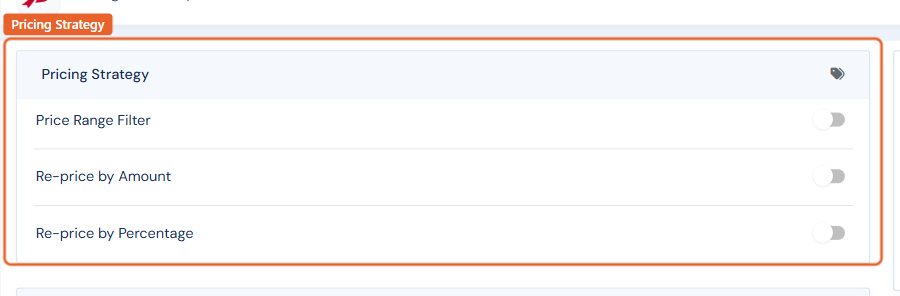
Go to Routing › Marketplaces, open the marketplace, and find the Pricing Strategy card.
Marking prices up or down
Turn on Re-price by Amount to add or subtract a fixed dollar amount, or Re-price by Percentage for a percentage markup or markdown — then choose the direction and enter the value. For example, mark everything up 10% on a venue with higher fees, or down $5 where you want to be the cheapest copy. The adjustment applies to every item routed to that marketplace; your website prices never change.
Price range filter
Turn on Price Range Filter to only send items between a minimum and maximum price. A common use: keep books under $20 off venues whose per-listing economics do not work for inexpensive stock.
Rounding
The rounding option tidies adjusted prices so a 10% markup does not produce $27.13 listings.
Removing a pricing rule
Turn the control's toggle off (or set its value back to zero) and save. The next routing run re-sends your items at their normal prices.
Per-item exceptions: on Amazon and eBay you can also enable or disable repricing for a single item from its marketplace settings on the item edit page — useful for a book you have priced deliberately and never want adjusted.