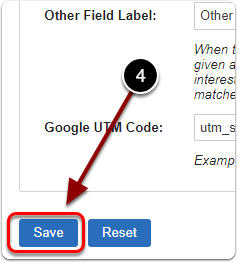
1) Click 'New Arrival Notification' under the 'Lists' heading of the 'Control Panel'.
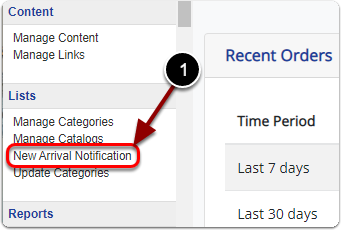
2) Click the 'Advanced' tab.
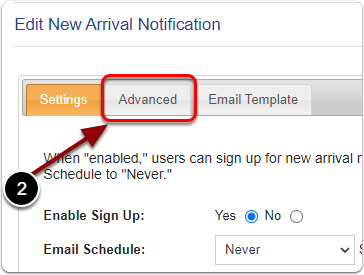
3) Next to 'Optin New Accounts' select 'Yes.
If "Yes," new users are automatically opted in for all categories.
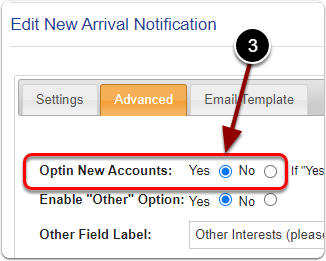
4) When you are finished, click the 'Save' button.