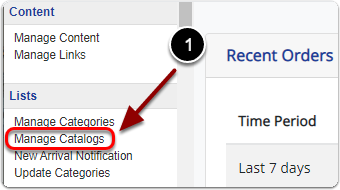
1) Click 'Manage Catalogs' under the 'Lists' heading of the 'Control Panel'.
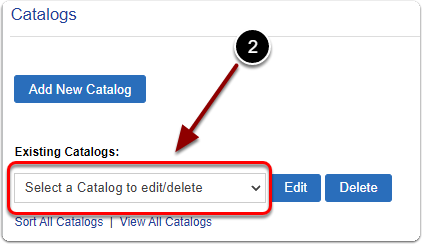
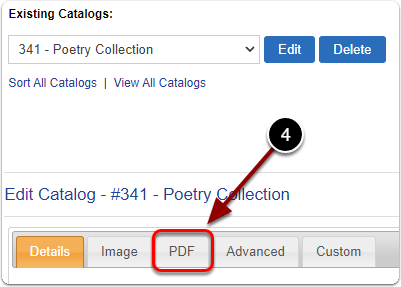
2) Under 'Existing Catalogs:' select the catalog from the drop-down menu.
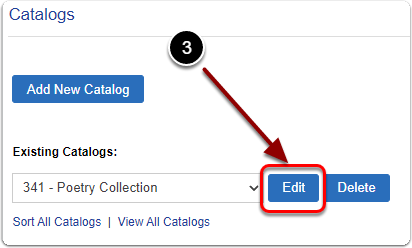
3) Click the 'Edit' button.
4) Click the 'PDF' tab.
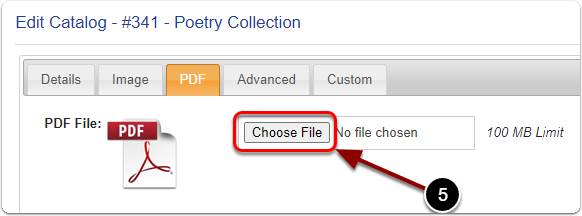
5) Click the 'Choose File' button and open your PDF.
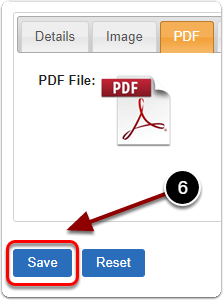
6) When you are finished, click the 'Save' button.