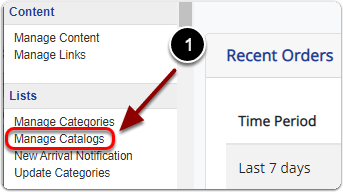
1) Click 'Manage Catalogs' under the 'Lists' heading of the 'Control Panel'.
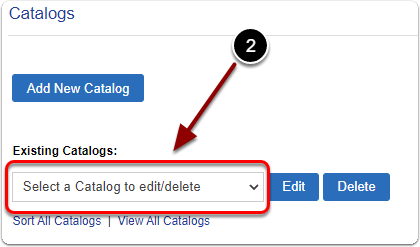
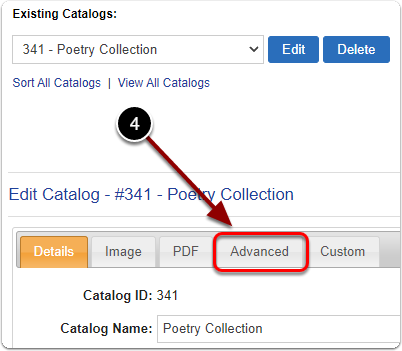
2) Under 'Existing Catalogs:' select the catalog from the drop-down menu.
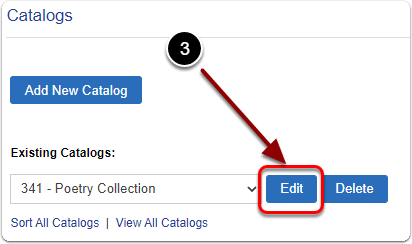
3) Click the 'Edit' button.
4) Click the 'Advanced' tab.
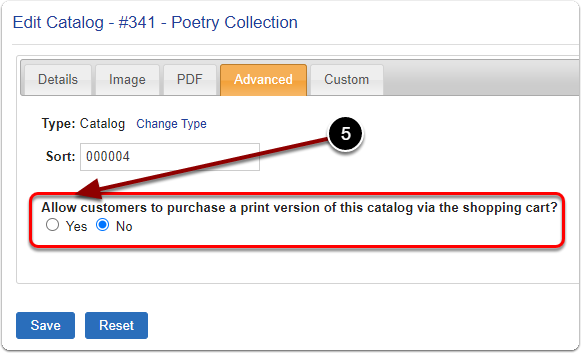
5) Under 'Allow customers to purchase a print version of this catalog via the shopping cart' Select 'Yes'.
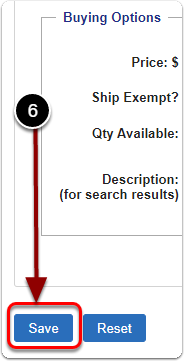
6) Enter your Price, Shipping Exempt, Quantity & Description settings for your catalog.
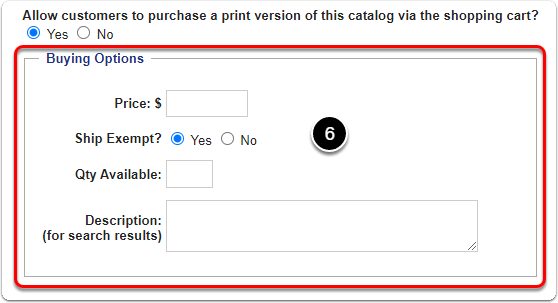
6) When you are finished, click the 'Save' button.