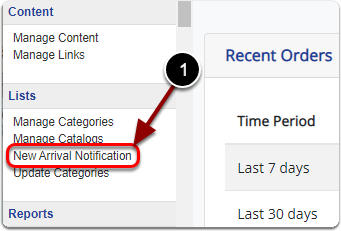
1) Click 'New Arrival Notification' under the 'Lists' heading of the 'Control Panel'.
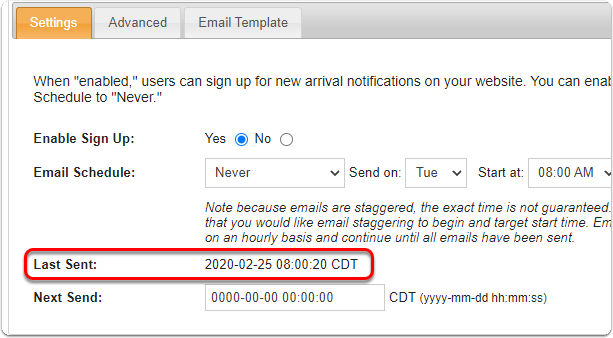
Next to 'Last Sent' is the date & time of the last 'New Arrival' automatic email sent.
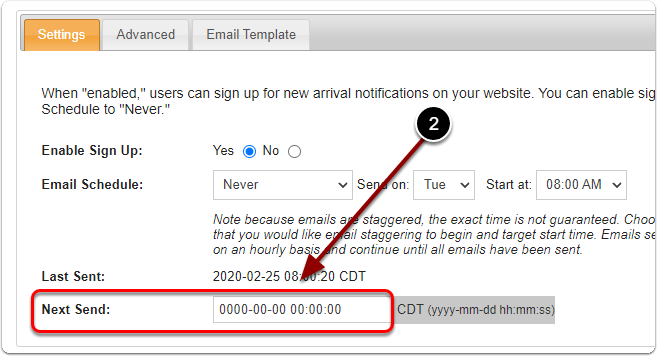
2) Next to 'Next Send', enter the date and time you'd like to start sending the next batch of 'New Arrival' emails.
CDT (yyyy-mm-dd hh:mm:ss)
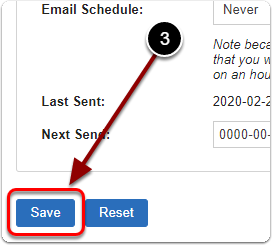
3) When you are finished, click the 'Save' button.