A cart reminder emails a customer about the items they left in their shopping cart. You can send reminders automatically on a schedule, or send a one-off reminder for a specific abandoned order.
Automatic cart reminders
Click the 'Cart Reminders' link under the 'Commerce' heading in the Control Panel menu. Set 'Automate' to 'Yes' and choose when the reminder email is sent (the default is 3 days).
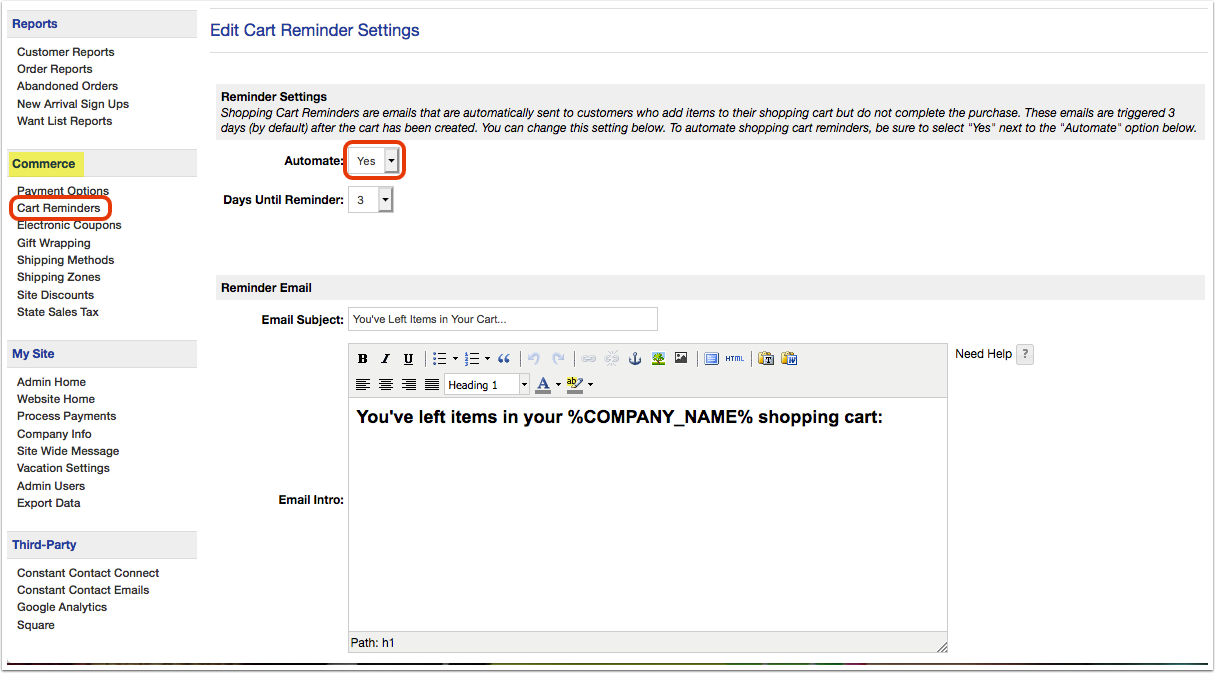
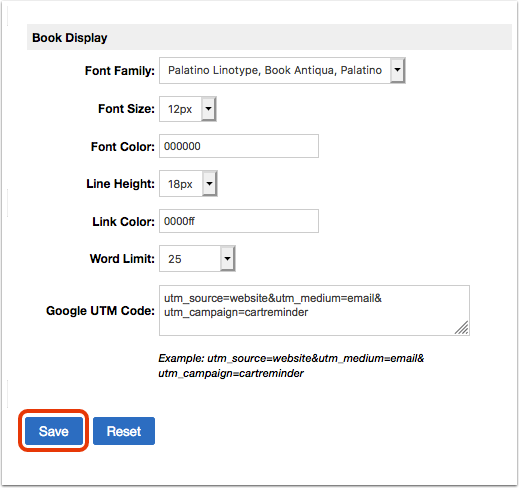
Edit the subject line, intro, closing, and footer. The main body of the email is built from links to the items left in the customer's cart; you can adjust how these appear under 'Book Display.' When you have finished, click 'Save.'
Send a one-off reminder
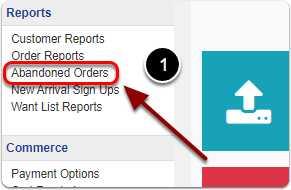
To send a reminder for a single abandoned order, click 'Abandoned Orders' under the 'Reports' heading of the Control Panel.
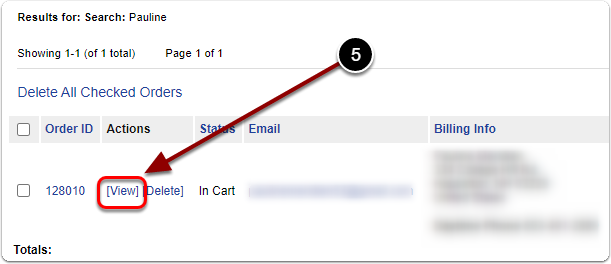
Select 'Everything' from the first drop-down, search for your customer, and click 'Submit.' Scroll down and click the 'View' link of the abandoned order.
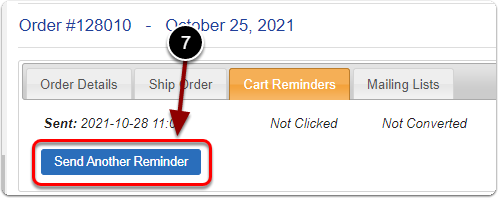
Click the 'Cart Reminders' tab, then click 'Send Reminder' (or 'Send Another Reminder' if one was already sent).