
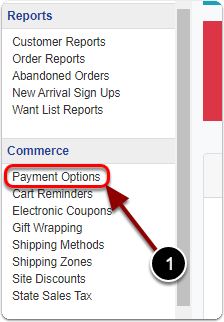
1) Click 'Payment Options' under the 'Commerce' heading of the Control Panel.
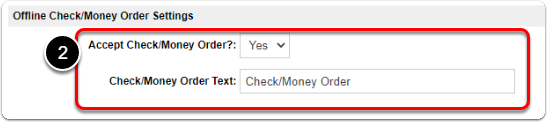
2) Under the 'Offline Check/Money Order' heading, edit your 'Check / Money Order' settings.
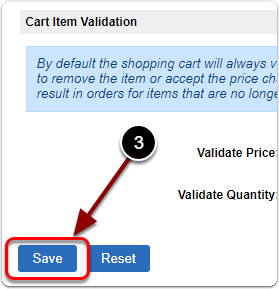
3) When you are finished, scroll down & click the 'Save' button.

1) Click 'Payment Options' under the 'Commerce' heading of the Control Panel.
2) Under the 'Offline Check/Money Order' heading, edit your 'Check / Money Order' settings.
3) When you are finished, scroll down & click the 'Save' button.
Send us a message and we will get back to you.