

BookRouter™ can import your eBay listings and enhance eBay’s Active Listings Report. Because the report does not include complete descriptions or item specifics, BookRouter™ uses each eBay listing ID to retrieve this information and your images. When an ISBN is available, it can also look up and add bibliographic details.
How to export your active inventory from eBay.
- Sign in to eBay and open Seller Hub.
- Go to Reports → Downloads.
- Click Download report.
- Select Active listings as the report type.
See Screenshot:
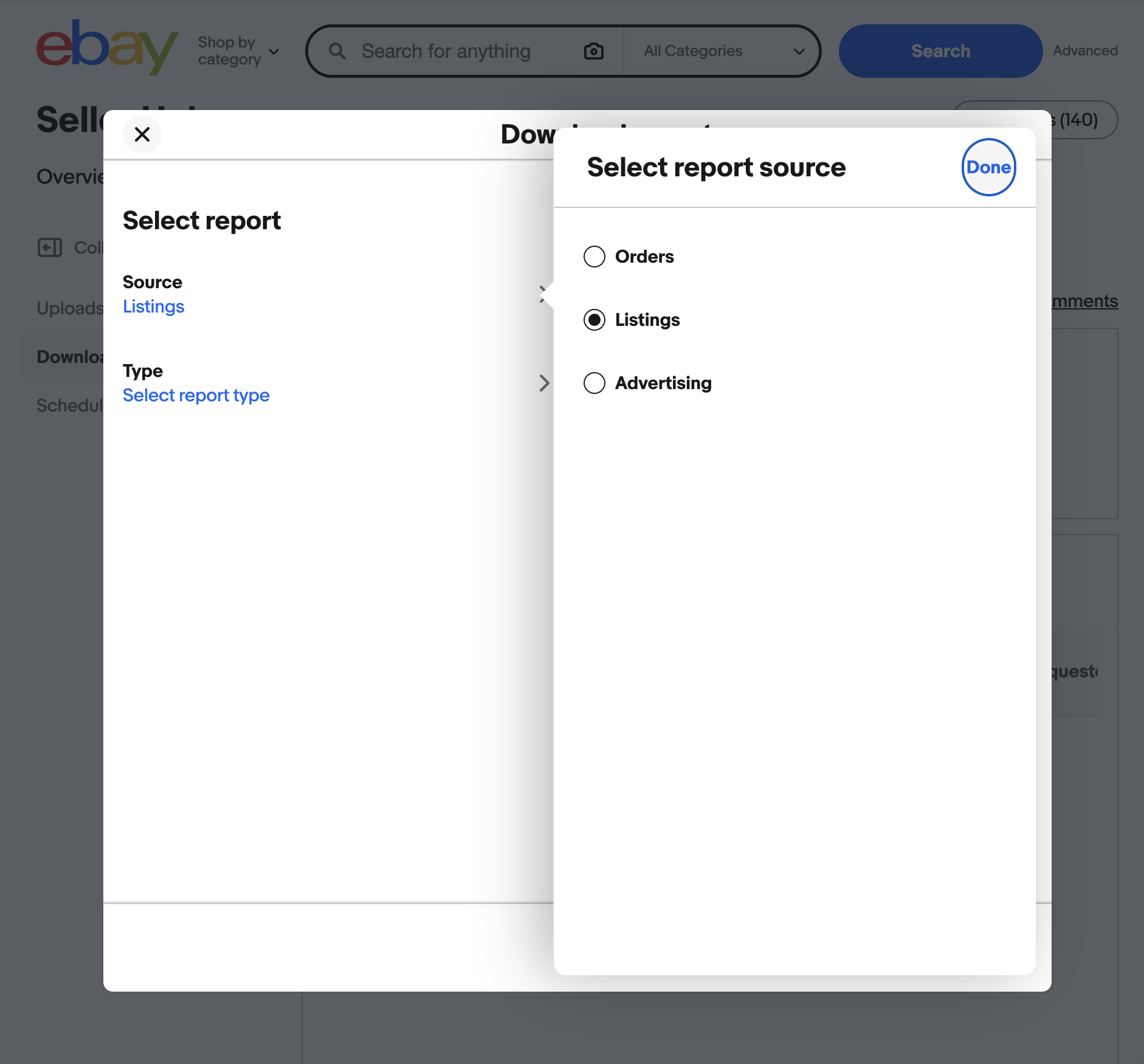
5. Download the report as a .csv (comma separateds) file.
Once eBay finishes generating the report, download the file and email it to support@bibliopolis.com.
Exporting unsold or scheduled listings
As demonstrated in the above screenshot, you can also export unsold or scheduled listings. If you wish to include those, export them as separate files and email them to support@bibliopolis.com.