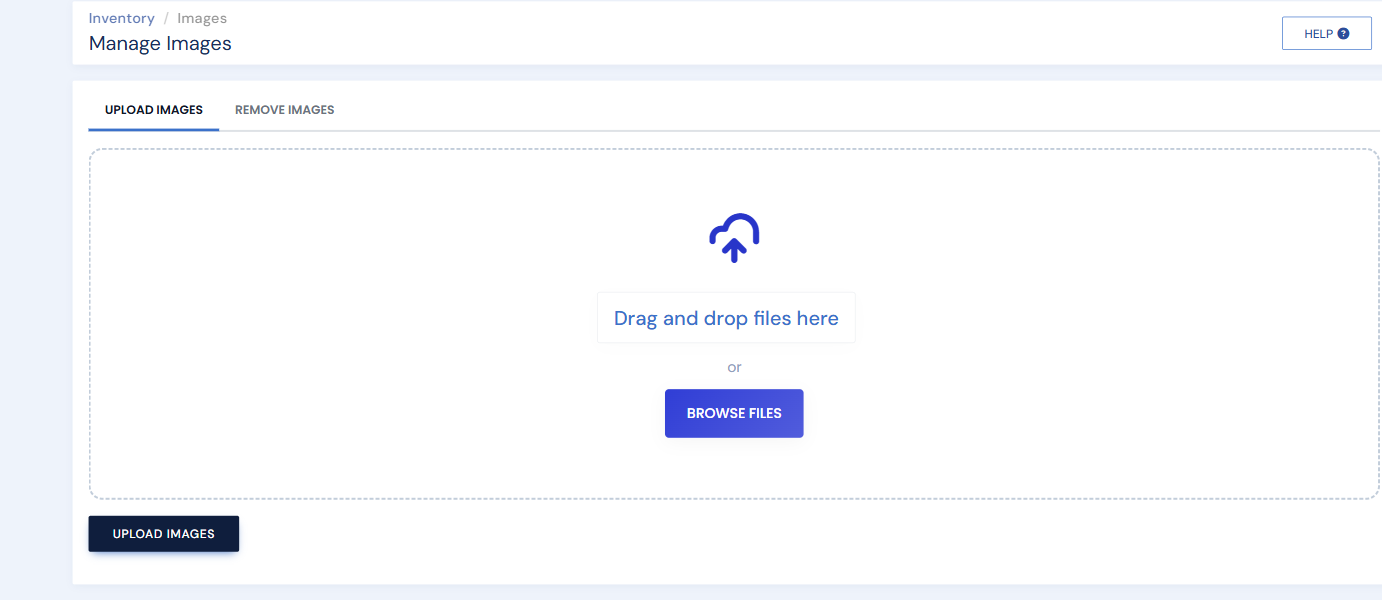
Bulk upload adds a whole folder of photos at once. The one requirement: each file's name must match the item's SKU, because that is how BookRouter knows which item the photo belongs to. (Uploading directly to an item skips this — the system names those files for you.)
Name files to match the SKU. 12345.jpg attaches to item #12345. Add an underscore and number for more images: 12345_1.jpg, 12345_2.jpg, and so on. See Image requirements for size and format.
Uploading
- Click Images under the Inventory heading in the left menu, and stay on the Upload Images tab.
- Drag your files onto the upload area, or click Browse Files and select them (up to 100 at a time). Hold Shift to select a run of files, or Ctrl to pick individual ones.
- Click Upload Images. The photos are processed and attached to the matching items automatically, usually appearing on your website within a few minutes.