

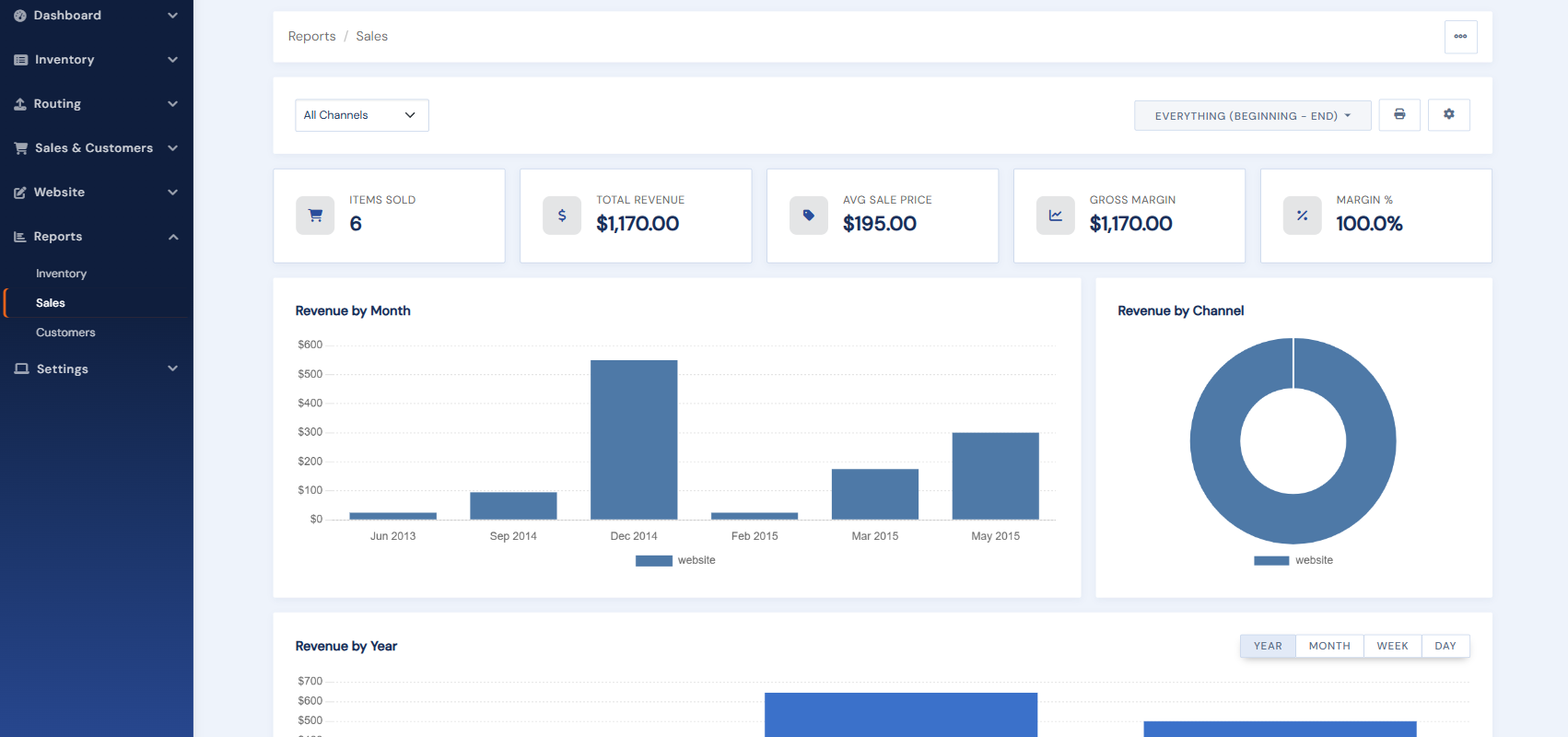
The new BookRouter™ admin adds a full Reports area that the legacy Control Panel never had. Instead of a few search screens, you get dashboards with charts and drill-downs. Look for the Reports section in the admin menu.
What you can report on
- Sales: revenue and items over time, by channel, and by period, with top titles and click-through to the underlying orders. See How the Sales report works.
- Inventory: current value, value by year, and breakdowns by category. See The Inventory report.
- Customers: registrations, buyers, lifetime value, website activity (inquiries, carts, want lists, wishlists), and mailing-list and email reporting. See The Customers reports.
Once multi-channel sales are enabled, your marketplace sales appear alongside website sales in the same reports. Every report can be printed or exported.
The legacy Control Panel offered only basic customer and order searches, which are still documented for legacy sites.