

The Customers reports (Reports › Customers) show who your customers are and what they do: growth, buying behavior, website activity, and email health. Four connected views make up the area.
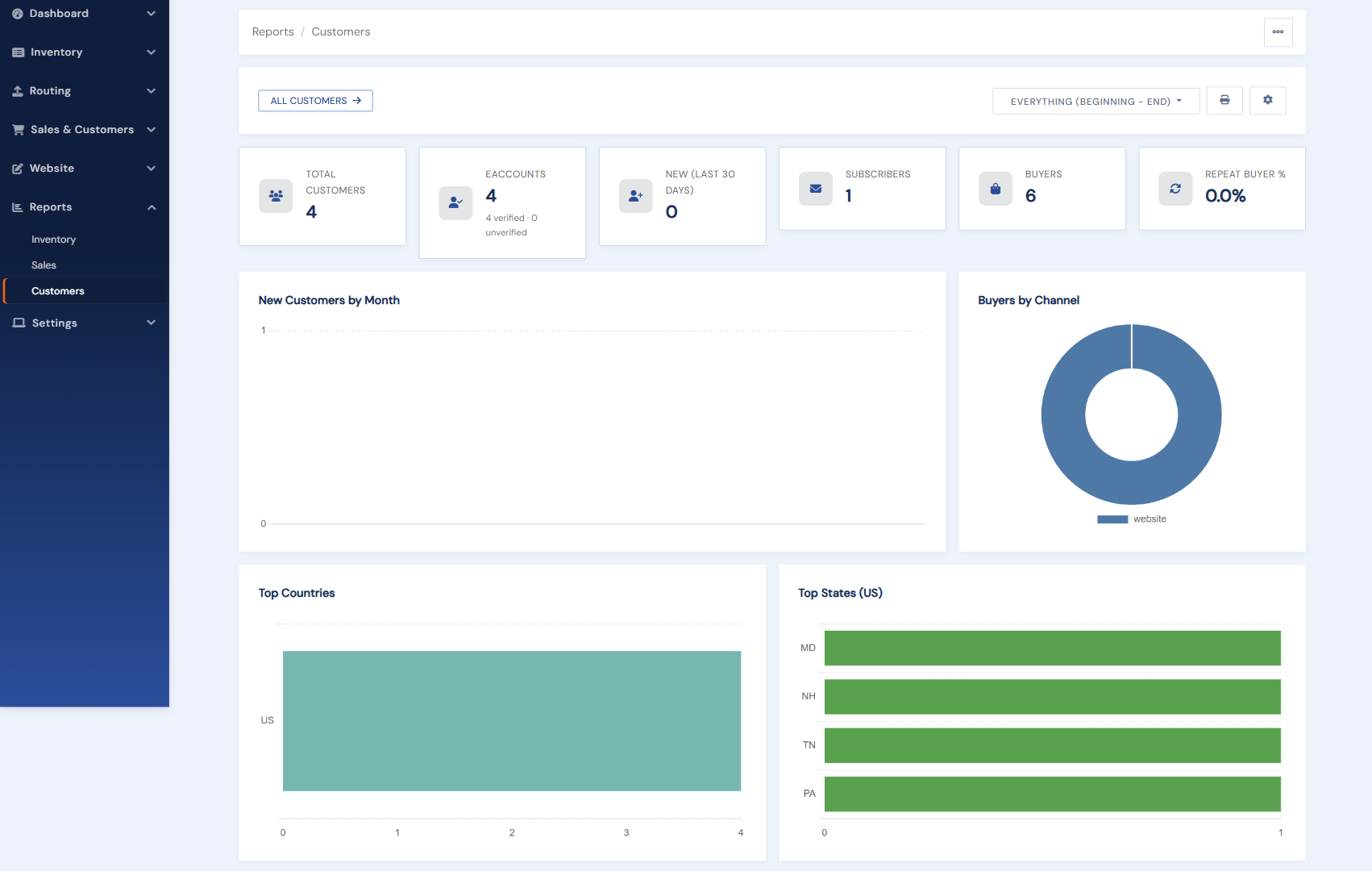
Customers dashboard
Registrations over time, how many customers are buyers, and buyers by channel. Chart segments drill into the customer list or the sales detail with filters applied.
Customer list
A sortable, filterable list (by registration date, account status, subscription, buyer status) with per-customer purchase stats: items bought, total spend, and last purchase. Sort by spend and you have your best-customers list; export takes the full filtered set.
Website activity
Four cards summarize inquiries (including how often an inquired item goes on to sell), shopping carts (abandoned and reminded), want lists with in-stock matches, and wishlists. Each card has View All and a Manage button to the matching management page.
Email reports
Mailing-list subscriber counts with subscribe/unsubscribe trends, New Arrival sign-up growth and top categories, and the suppressed-email list (bounces, complaints) with exports for scrubbing external tools.