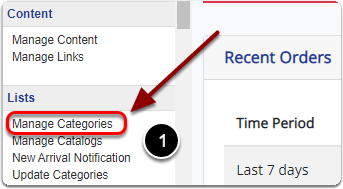
1) Click 'Manage Categories' under the 'Lists' heading of the 'Control Panel'.
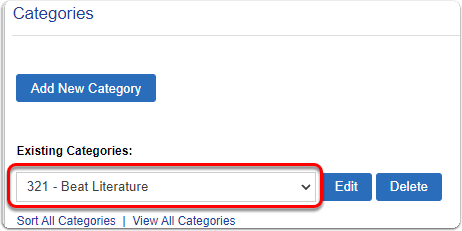
2) Under 'Existing Categories:' select the category you'd like to make 'Website Only' from the drop-down menu.
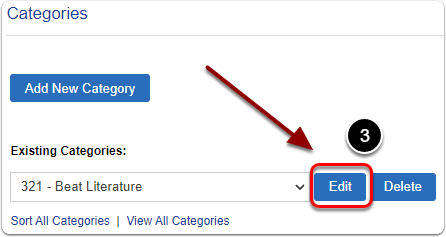
3) Click the 'Edit' button
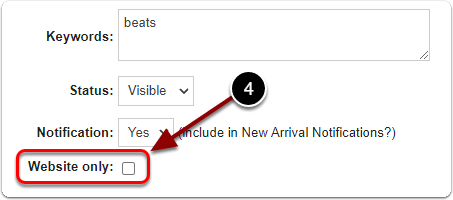
4) Scroll down, next to 'Website Only', check the box.
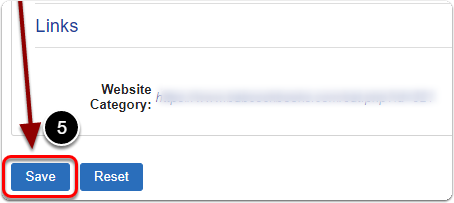
5) When you are finished, scroll down and click the 'Save' button.