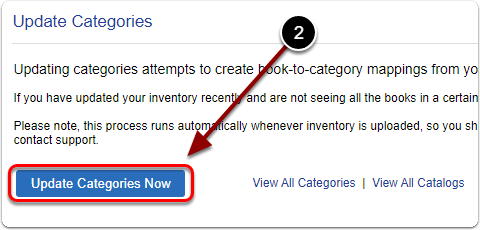
Updating categories attempts to create book-to-category mappings from your inventory.
If you have updated your inventory recently and are not seeing all the books in a certain category, running this may correct the problem.
Please note, this process runs automatically whenever inventory is uploaded, so you should not need to do this very often. If your books are consistently not appearing in the right categories, you should contact support.
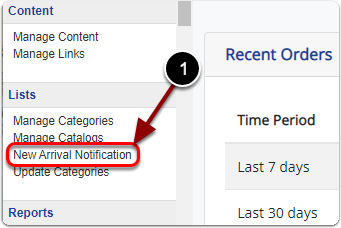
1) Click 'New Arrival Notification' under the 'Lists' heading of the 'Control Panel'.
2) Click the 'Update Categories Now' button.