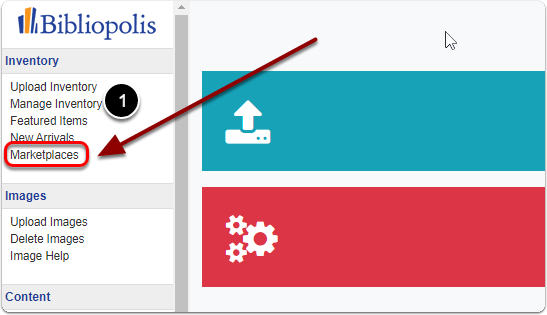
1) Click on 'Marketplaces' under the 'Inventory' heading of the control panel.
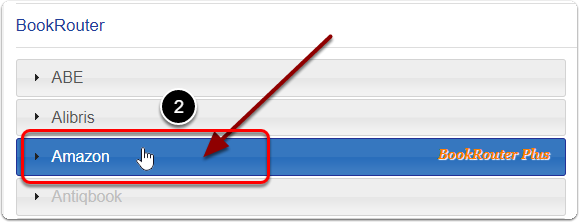
2) Click on 'Amazon' under the 'BookRouter' heading.
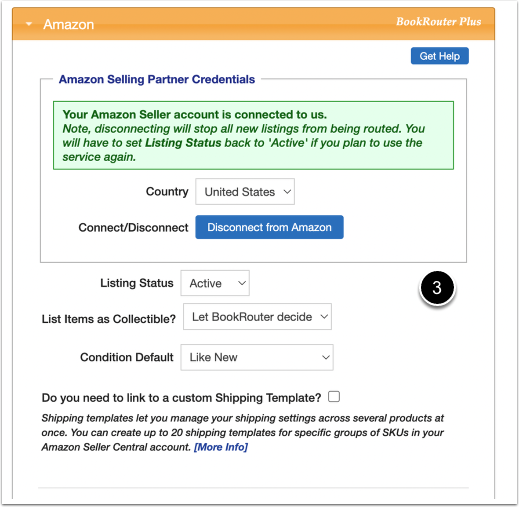
3) On this page you can edit your default Amazon Connection, Listing, Shipping, Pricing, Repricing & Export settings.
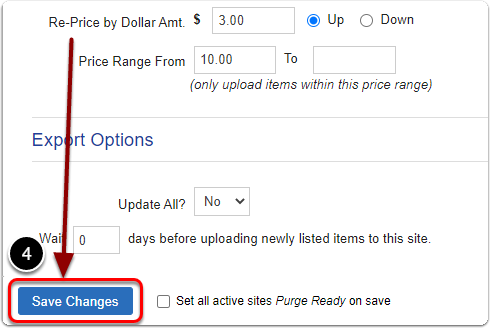
4) When you are finished editing your default Amazon settings, Be sure to click the 'Save Changes' button to finalize.