

Each customer's Lists tab (under More on their page) manages their email relationship with your shop: mailing lists, New Arrival category subscriptions, and deliverability.
Mailing lists
Toggle the customer on or off any of your mailing lists. Subscriptions added by an admin are treated as confirmed (you are attesting the customer asked); a customer who subscribed on the website but never clicked the confirmation email shows as unconfirmed, with buttons to resend the confirmation or mark it confirmed yourself.
New Arrival subscriptions
The same tab lists which categories the customer follows for New Arrival emails, with add and remove controls.
Email deliverability
The Deliverability card shows whether the customer's address is suppressed: bounced, marked as spam, or manually excluded. From here you can:
- Do not email this customer: a one-click marketing exclusion that survives everything else. Their list subscriptions stay intact; mail just does not go out.
- Reactivate a bounced address after the customer fixes their mailbox. Spam complaints cannot be reactivated from our side; only the recipient can undo those.
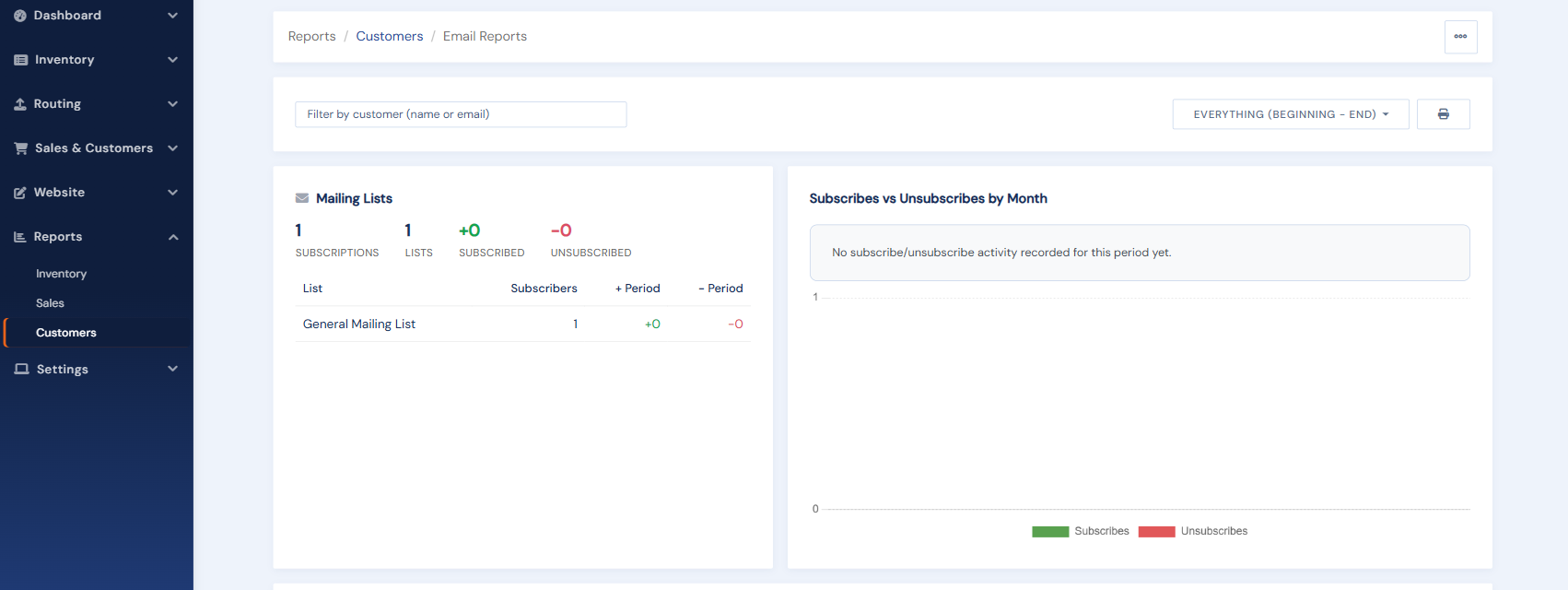
Shop-wide view: the Email Reports page in the Reports area shows every list's subscriber counts, subscribe/unsubscribe trends, and the full suppression list with exports, so you can scrub external mailing tools too.