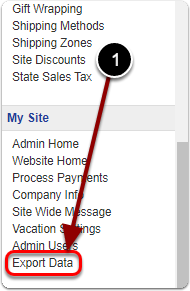
1) Scroll down the Control Panel and click 'Export Data' under the 'My Site' heading.
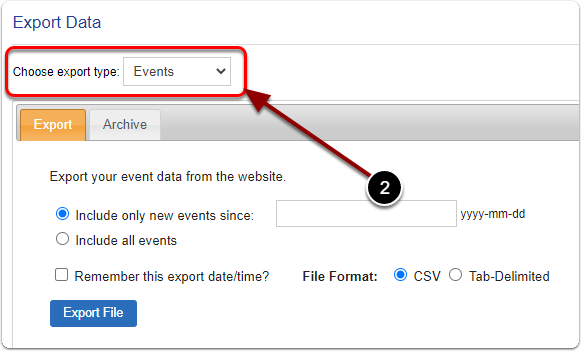
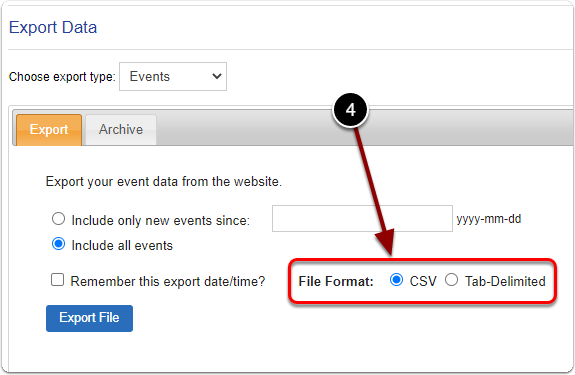
2) Next to 'Choose export type' , select 'Events' from the drop-down menu.
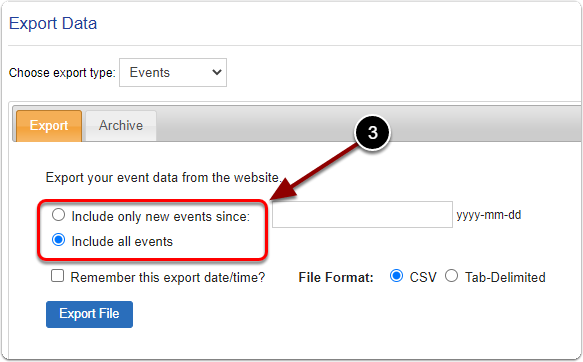
3) Select 'Include all events' or you can filter your event export data by date.
4) Select your preferred 'File Format'.
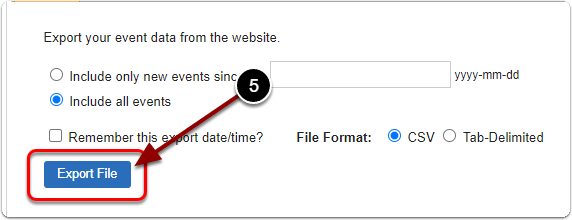
5) Click the 'Export File' button.