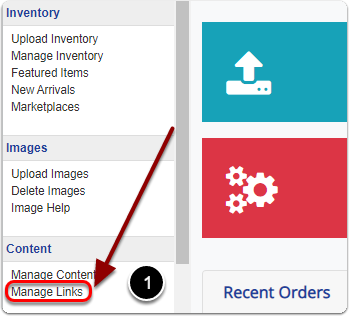
1) Click 'Manage Links' under the 'Content' heading of the 'Control Panel'.
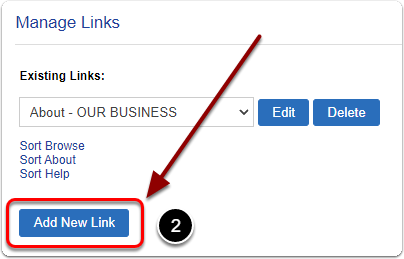
2) Click the 'Add New Link' button.
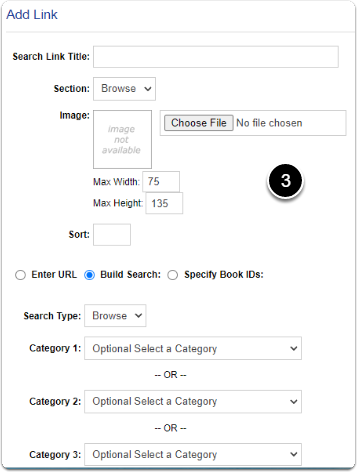
3) Scroll down to the 'Add Link' heading. On this page you can create a link based off a URL, A search of certain categories or attributes, or specific item IDs.
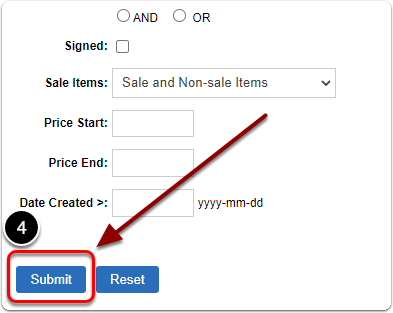
4) When you are finished creating your link, scroll down and click the 'Submit' button.