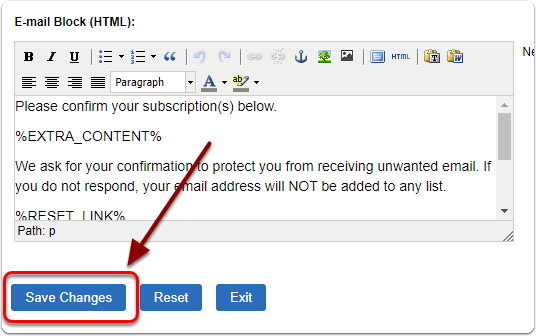
1) Click 'Manage Content' under the 'Content' heading of the 'Control Panel'.
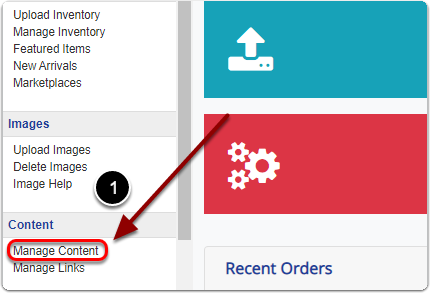
2) Click on the 'Emails' tab.
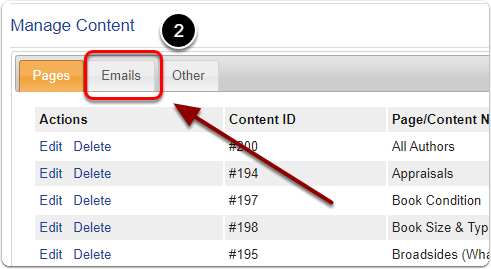
3) Find the email content you'd like to edit and click it's corresponding 'Edit' link.
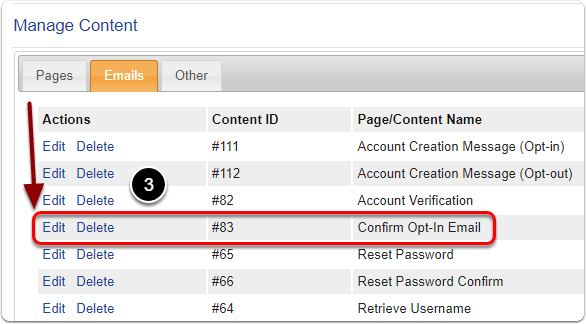
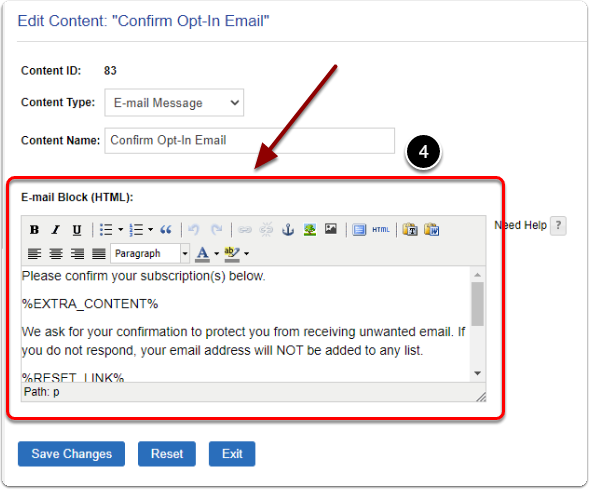
4) On this page you can 'Edit your email''s content'.
5) When you are finished click the 'Save Changes' button to finalize.