

Constant Contact is a paid add-on for your Bibliopolis website. Our built-in tool lets you build emails and insert books directly into a campaign. To switch it on for your site, email support@bibliopolis.com.
Once Constant Contact is switched on for your website, you connect your account from the Email Marketing page. People who join your website's mailing lists are then added to the Constant Contact lists you choose, and you can build and send campaigns from BookRouter.
Connect your account
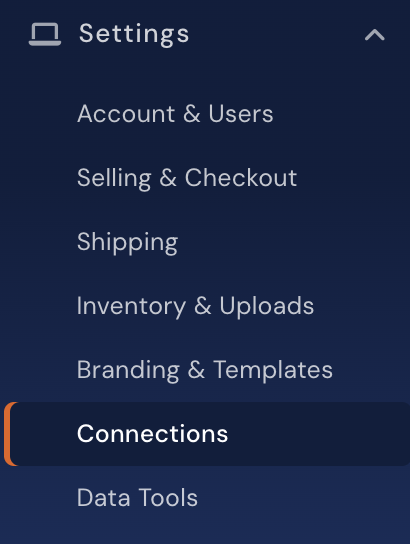
In the navigation menu select Website > Marketing > Email Marketing.
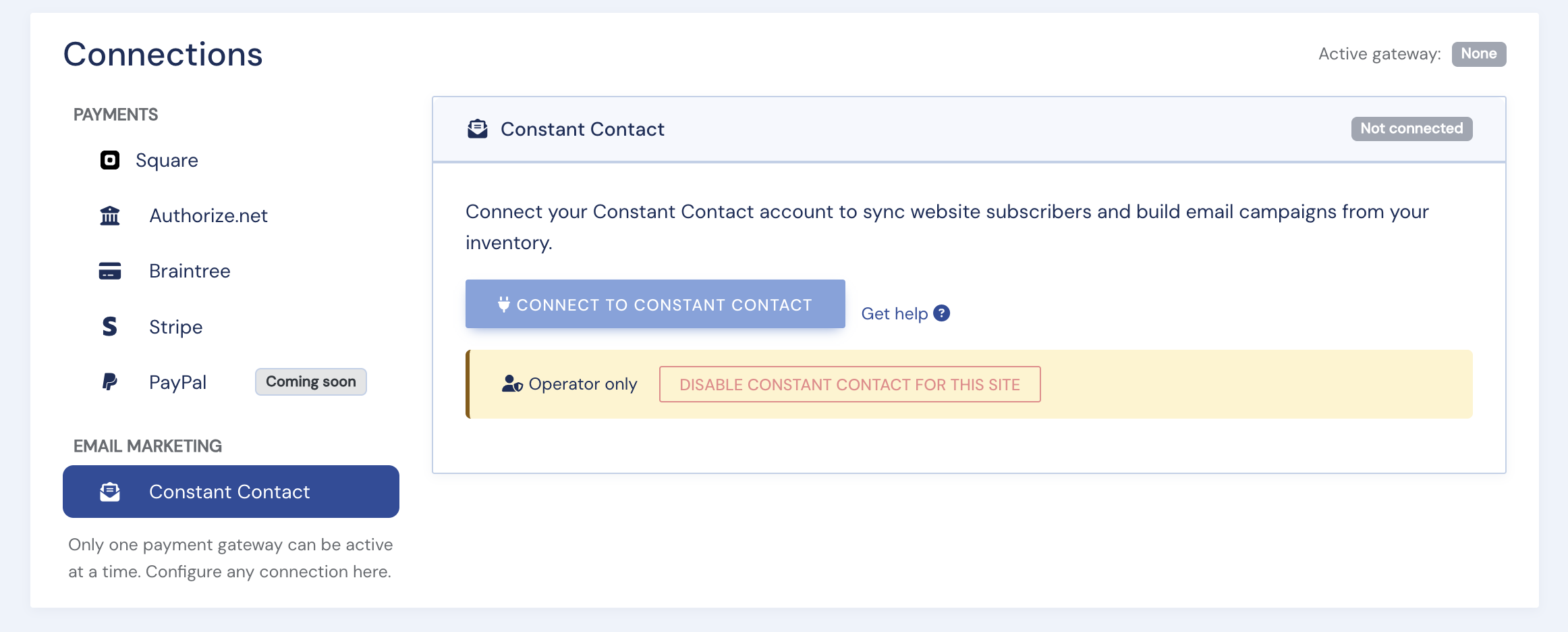
On the Constant Contact card, click Connect to Constant Contact.
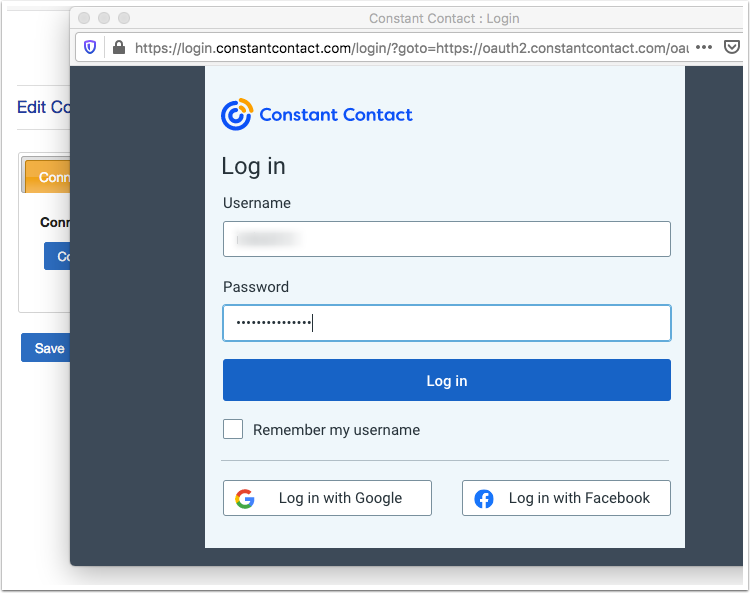
A Constant Contact window opens. Sign in with your Constant Contact account.
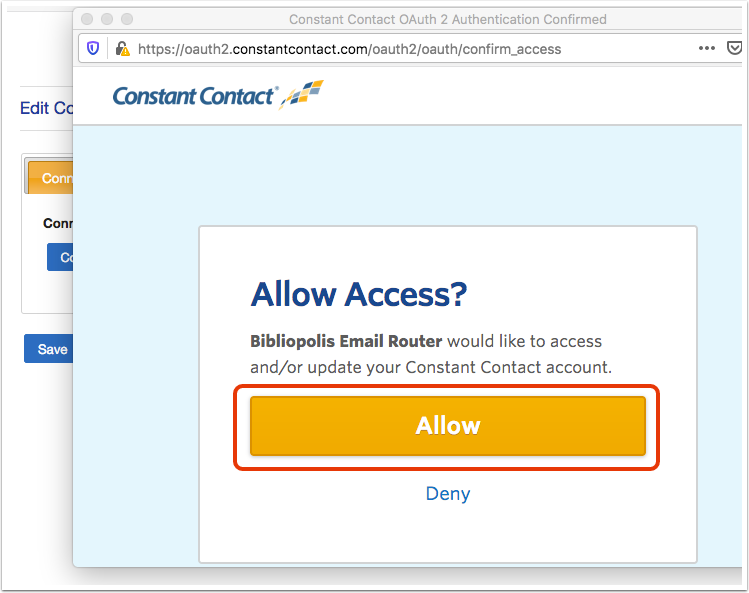
On the next screen, click Allow.
When it is done, the window says You are now authenticated and closes, and the Constant Contact card shows Connected.
Choose your default lists
On the connected card, tick the Constant Contact lists that new website subscribers should join and click Save lists. With no list ticked, website subscribers are not sent to Constant Contact.
The card also links to Campaigns, Templates and Mailing Lists.
Disconnect
Click Disconnect on the card and confirm. Website subscribers stop going to Constant Contact until you connect again.