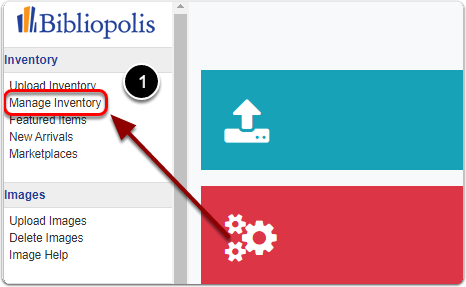
1) Click on "Manage Inventory" under the 'Inventory' heading of the Control Panel.
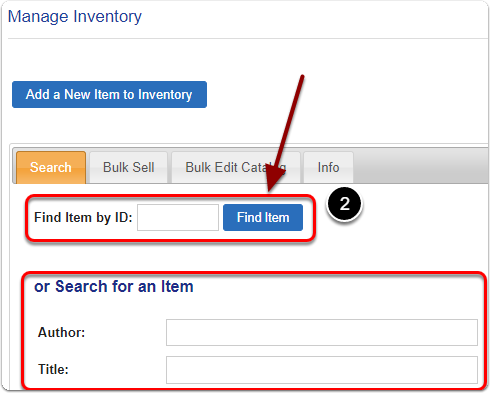
2) Search for your item by it's Item ID (or Author / Title)
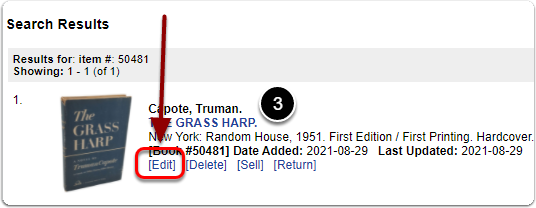
3) Scroll down to the 'Search Results' and click the 'Edit' link under your item.
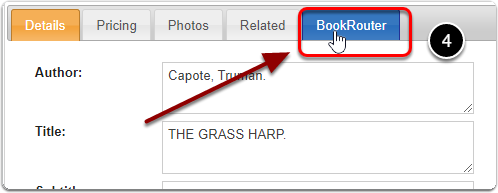
4) Click on the 'Bookrouter' tab.
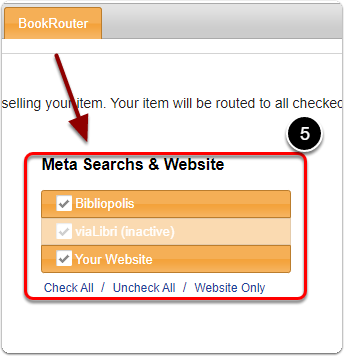
5) Under the 'Meta Searchs & Website' heading, check the boxes of the Meta Search's you'd like to configure for your item.
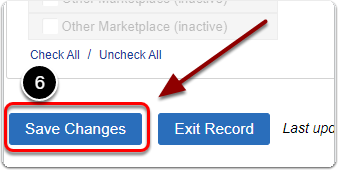
6) When you are finished, scroll down and click the 'Save Changes' button to finalize.