

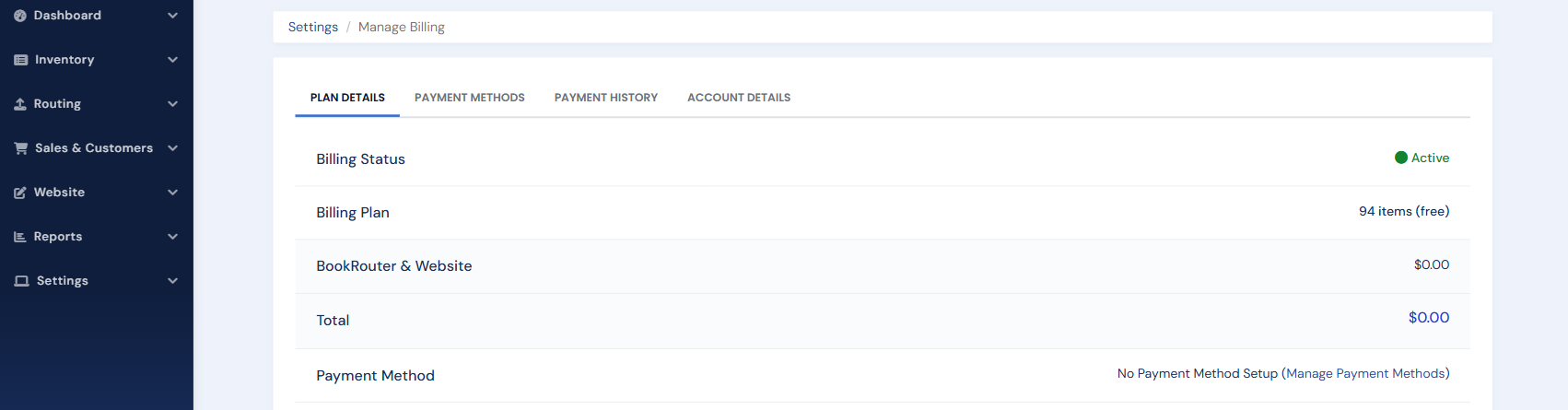
You can view your monthly bill and manage your payment method right inside the BookRouter admin, along with your payment history and account details.
1) Open your account menu (your name in the top-right corner of the admin) and choose Billing.
2) On the Billing page you can view your current bill and payment history, add or update your payment method, and opt in to monthly email receipts.
If you have not set up a payment method yet, the button reads Create Subscription; click it to add your billing details.