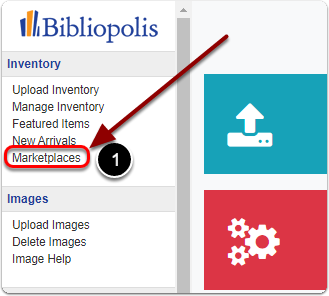
1) Click on 'Marketplaces' in the Control Panel under the 'Inventory' heading.
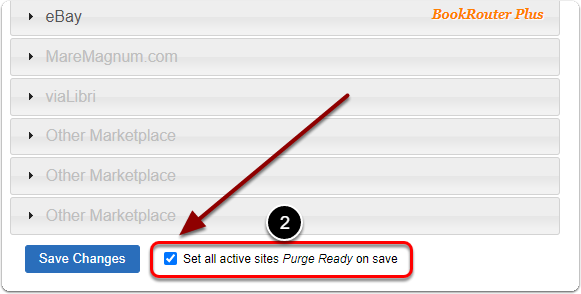
2) Scroll down and next to 'Set all active sites Purge Ready on save' check the box.
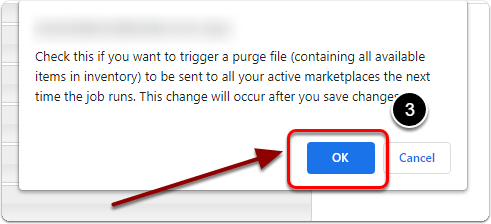
3) Click the 'OK' button in the pop up window.
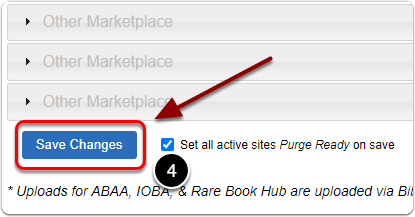
4) Click the 'Save Changes' button.