

Cart item validation decides what happens when an item in a customer's cart changes before they check out — if its price changed or it sold out. By default the cart re-checks every item and makes the customer accept the change or remove the item before continuing.
Editing the settings
- Open Settings › Selling Options and click Checkout Options.
- Scroll to the Cart Item Validation heading.
- Set Validate Price and Validate Quantity to Active (the safe default) or Inactive.
- Click Save.
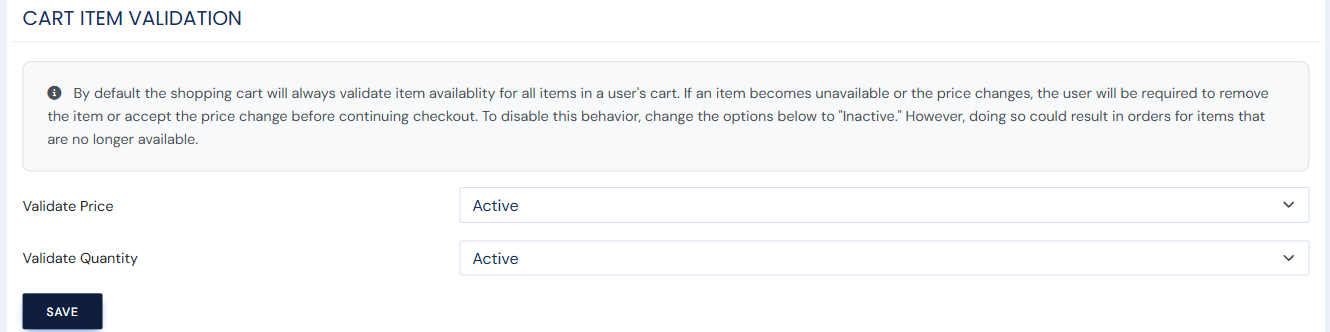
Setting these to Inactive lets checkout proceed without re-checking price or stock, which can result in orders for items that are no longer available or at an outdated price. Leave them Active unless you have a specific reason not to.